Generate Timecode
In Timecode Expert, you can generate timecode using Generator components, and use Sender components to send the timecode using supported protocols. In this manuals, you will learn how to do this.
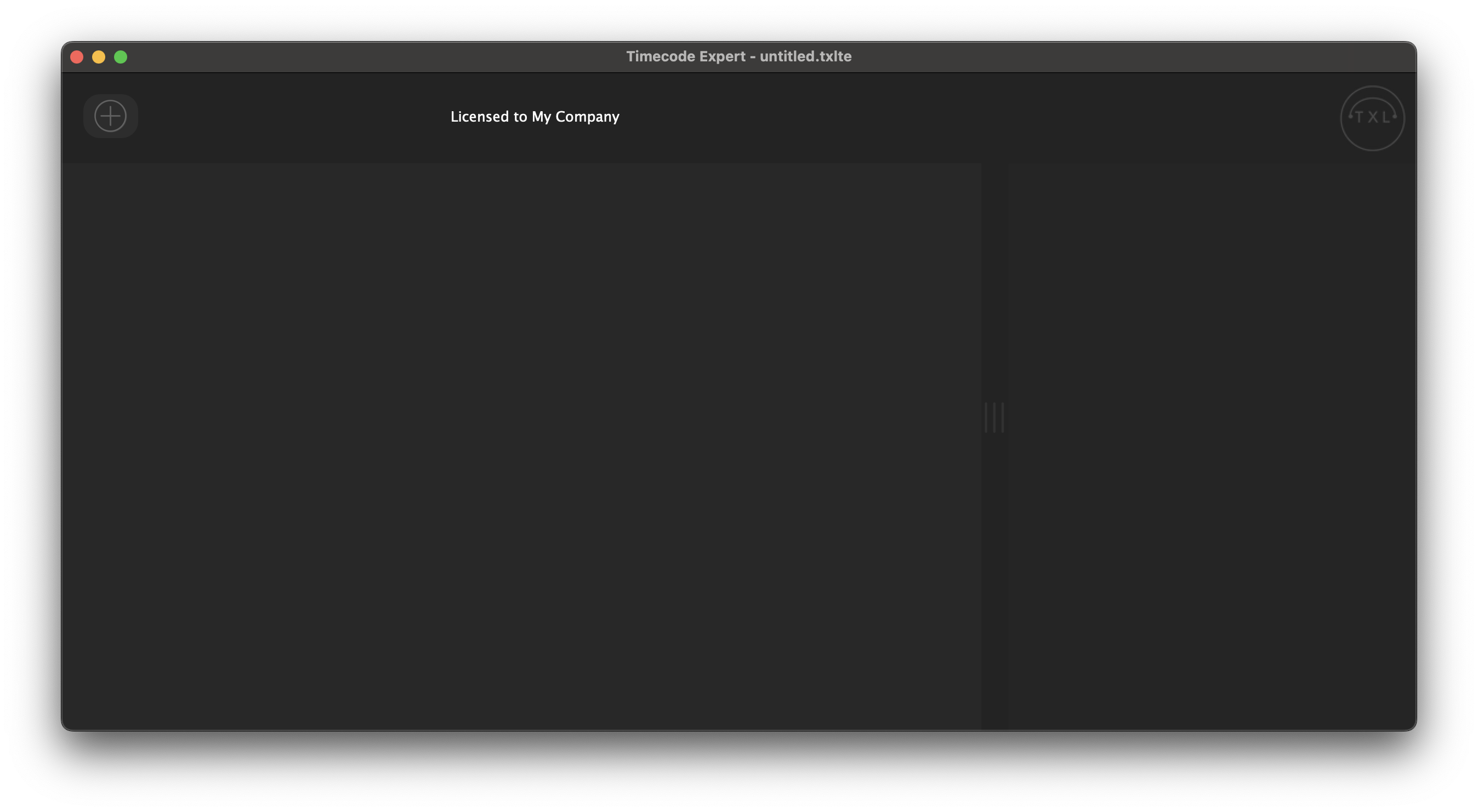
We start with an empty project and click on the add component '+' button on the top left of the start screen.
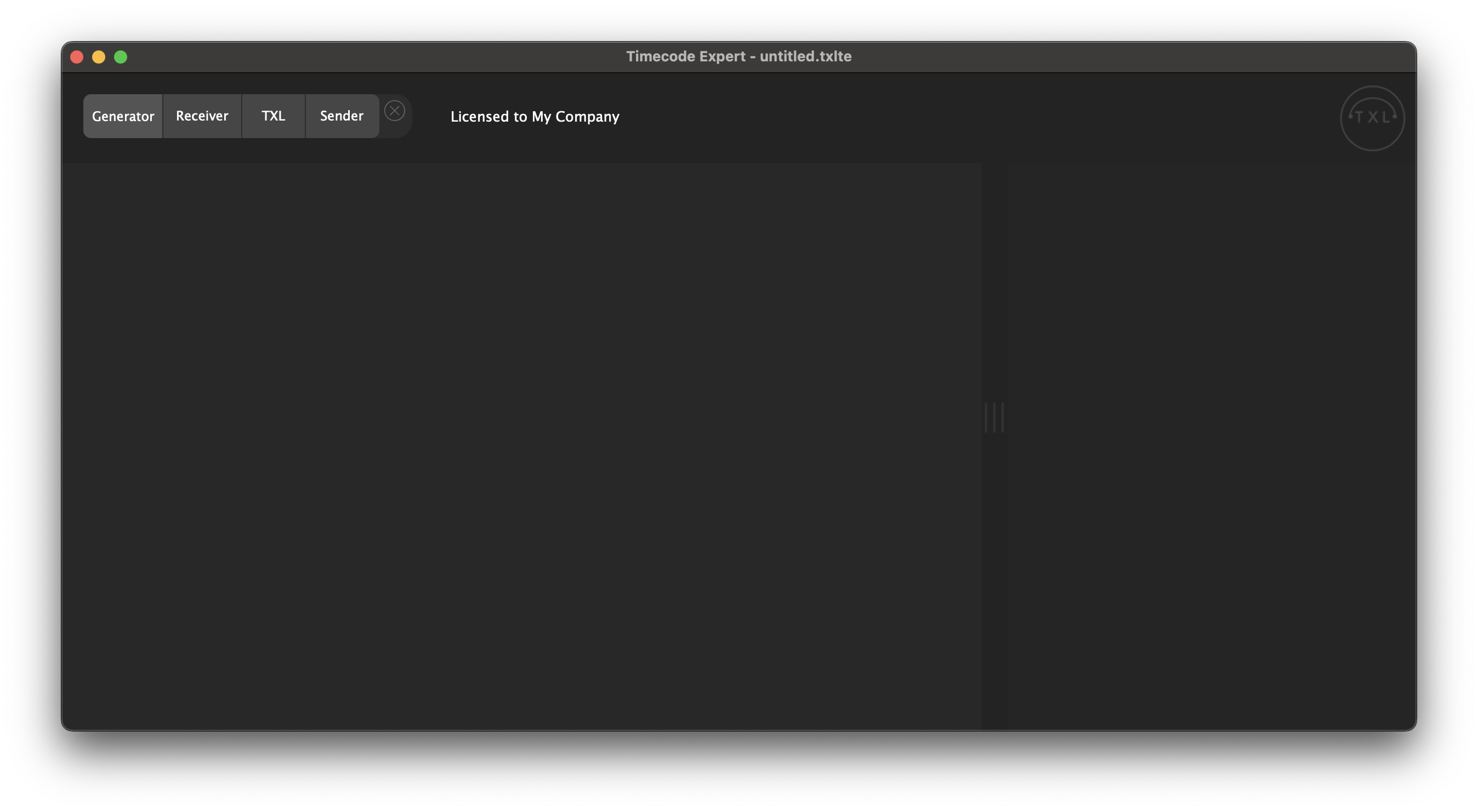
In the bar that pops up, you click 'Generator'.
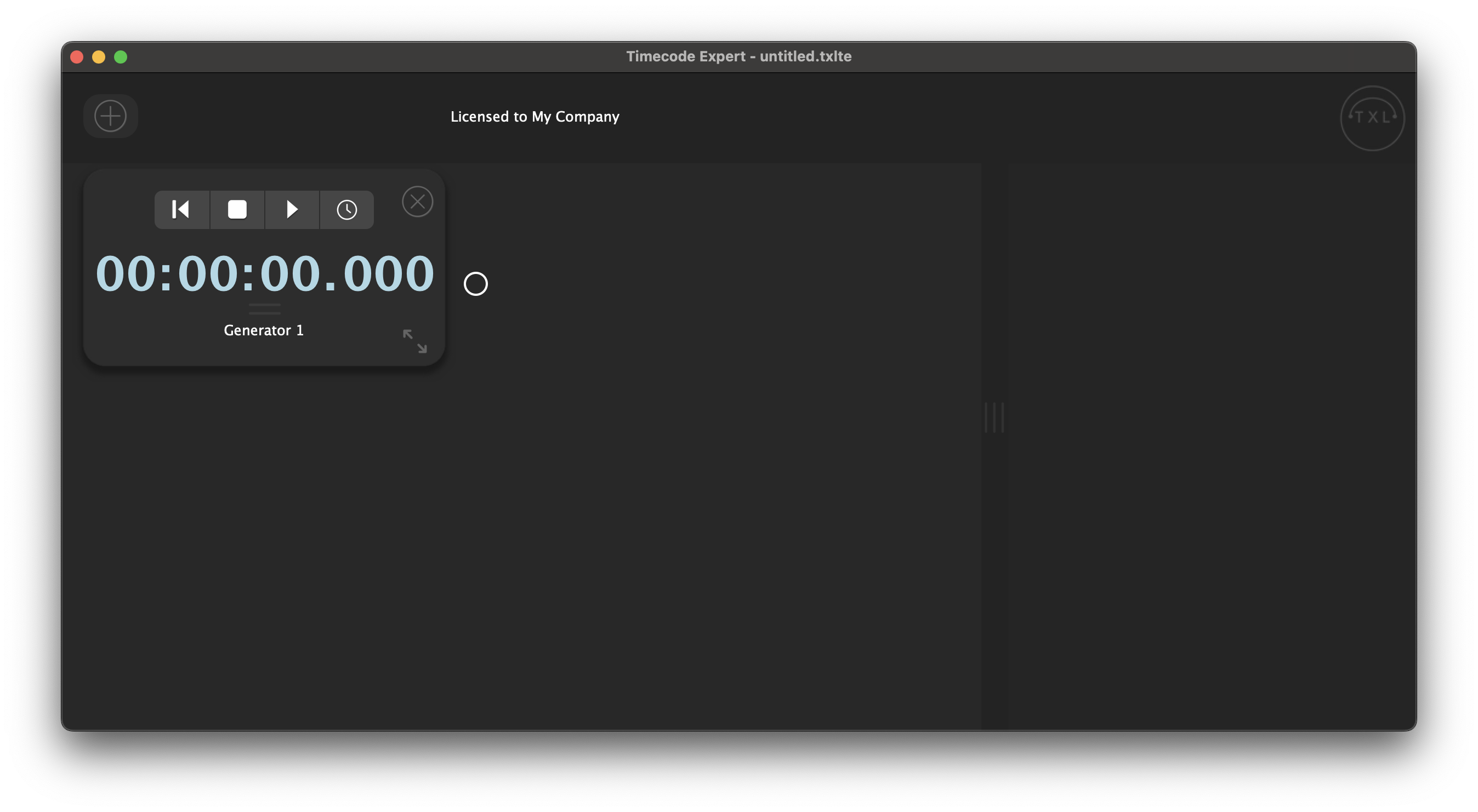
A Generator is added to your project. You can change the name of the Generator at the bottom of the component, and the clock mode by clicking the double bars below the clock.
As an example, we add a MIDI Sender and draw a routing from the Generator to the Sender.
You can change the start time of the Generator, by changing the hours, minutes, seconds (and milliseconds or 1/100th seconds, depending on the clock mode).
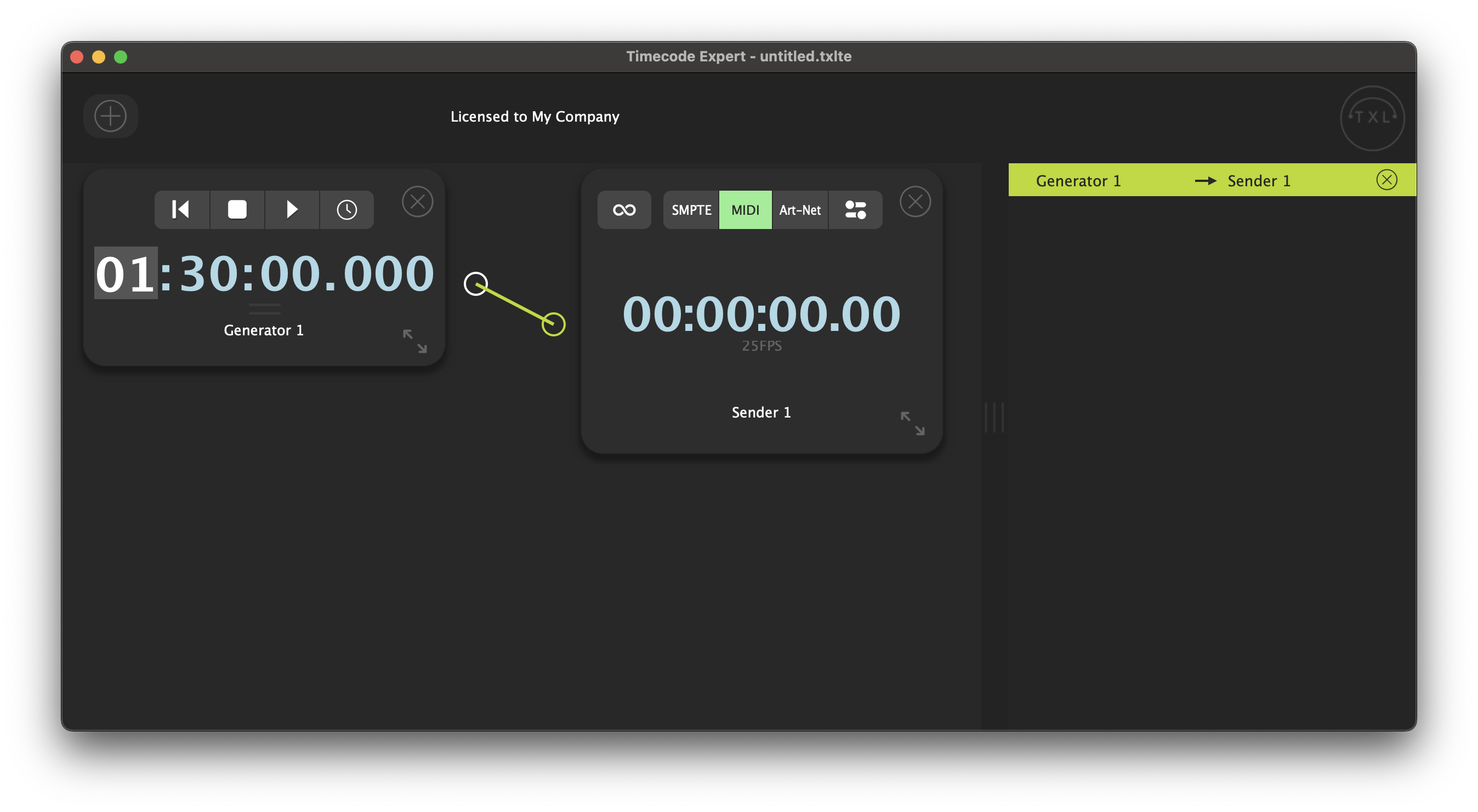
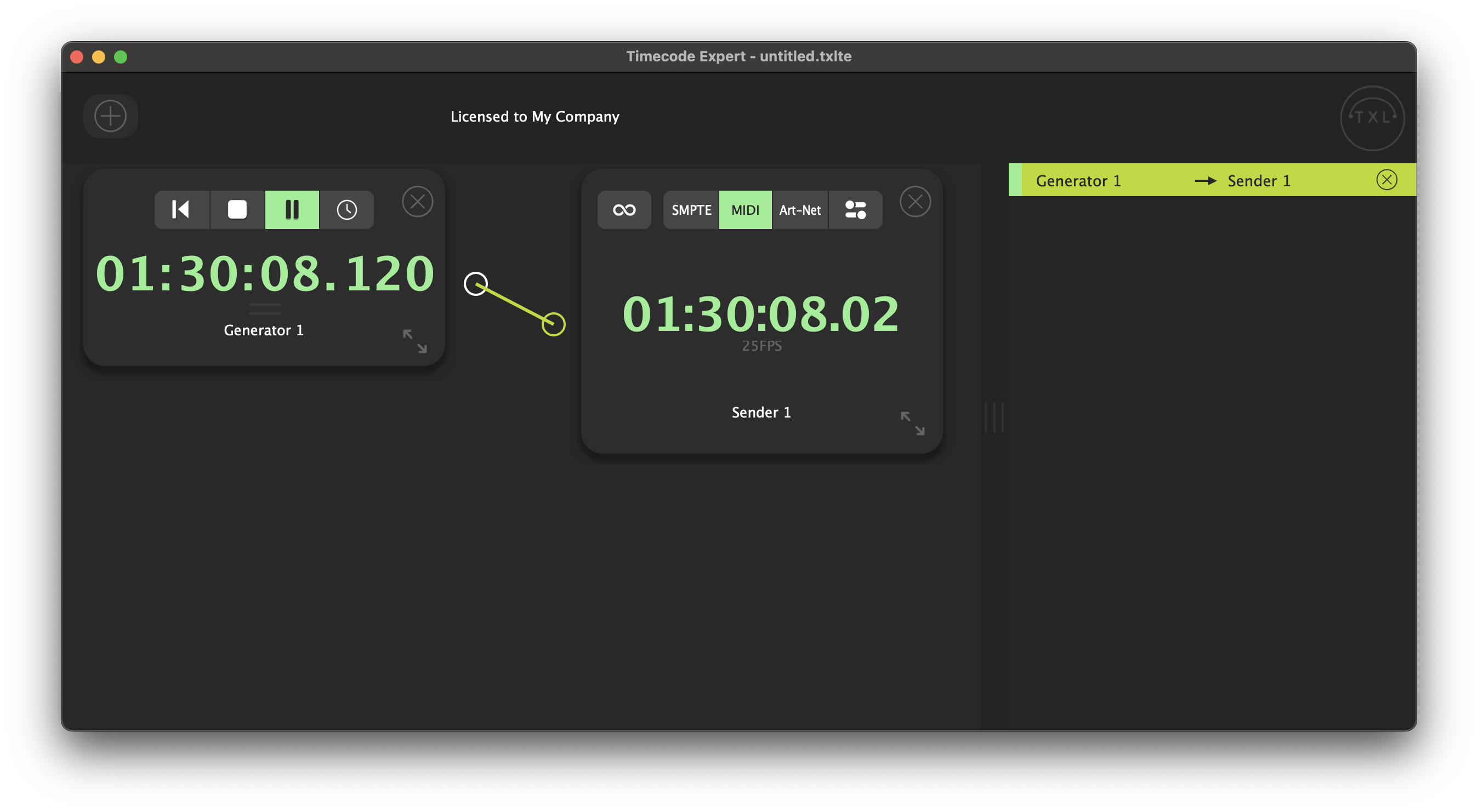
You can use the transport buttons to rewind, stop and play/pause the Generator. As soon as the Generator stars playing, the connected Sender starts sending the MIDI timecode.
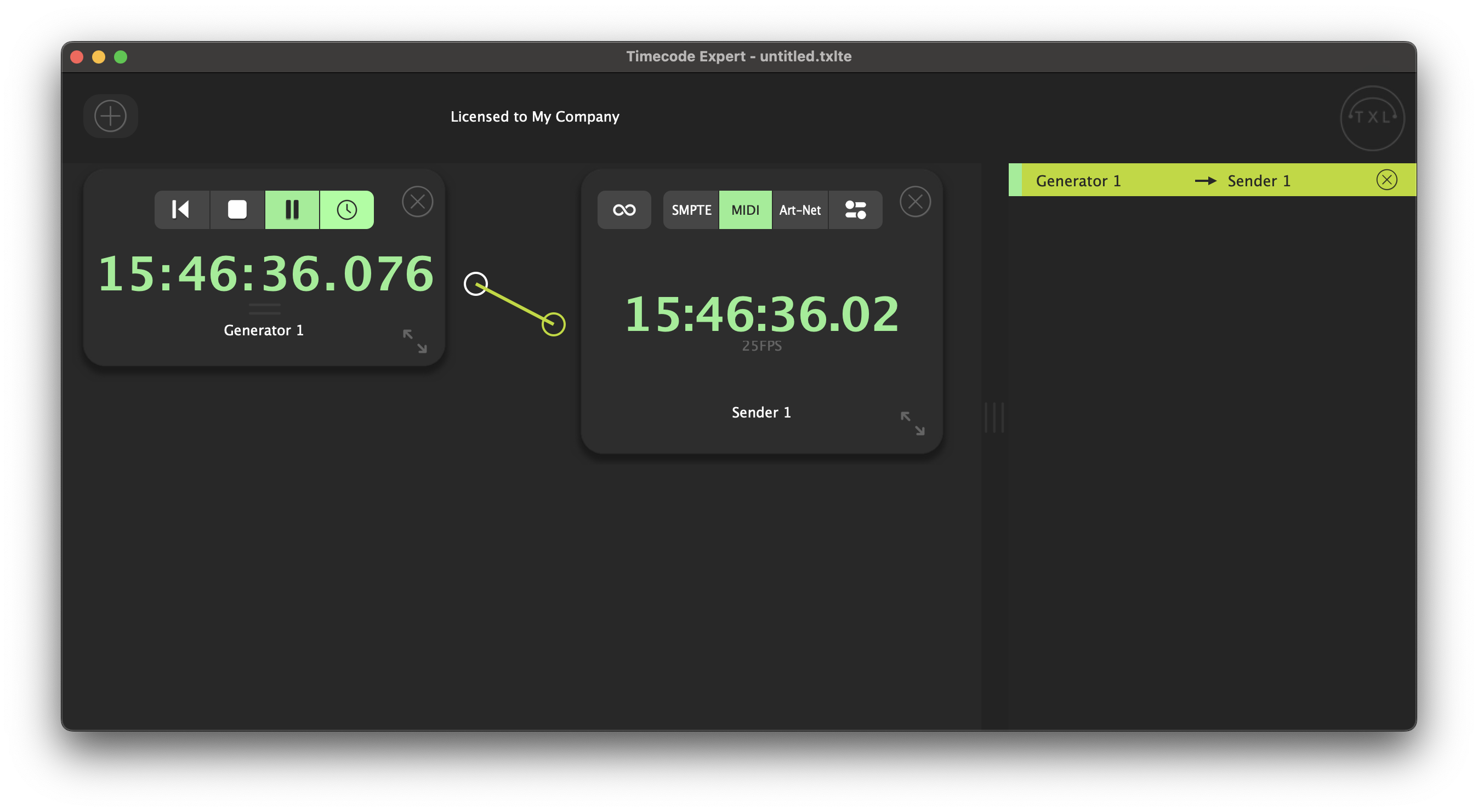
To generate timecode, based on the actual time of your system, you can click the clock icon in the transport bar.
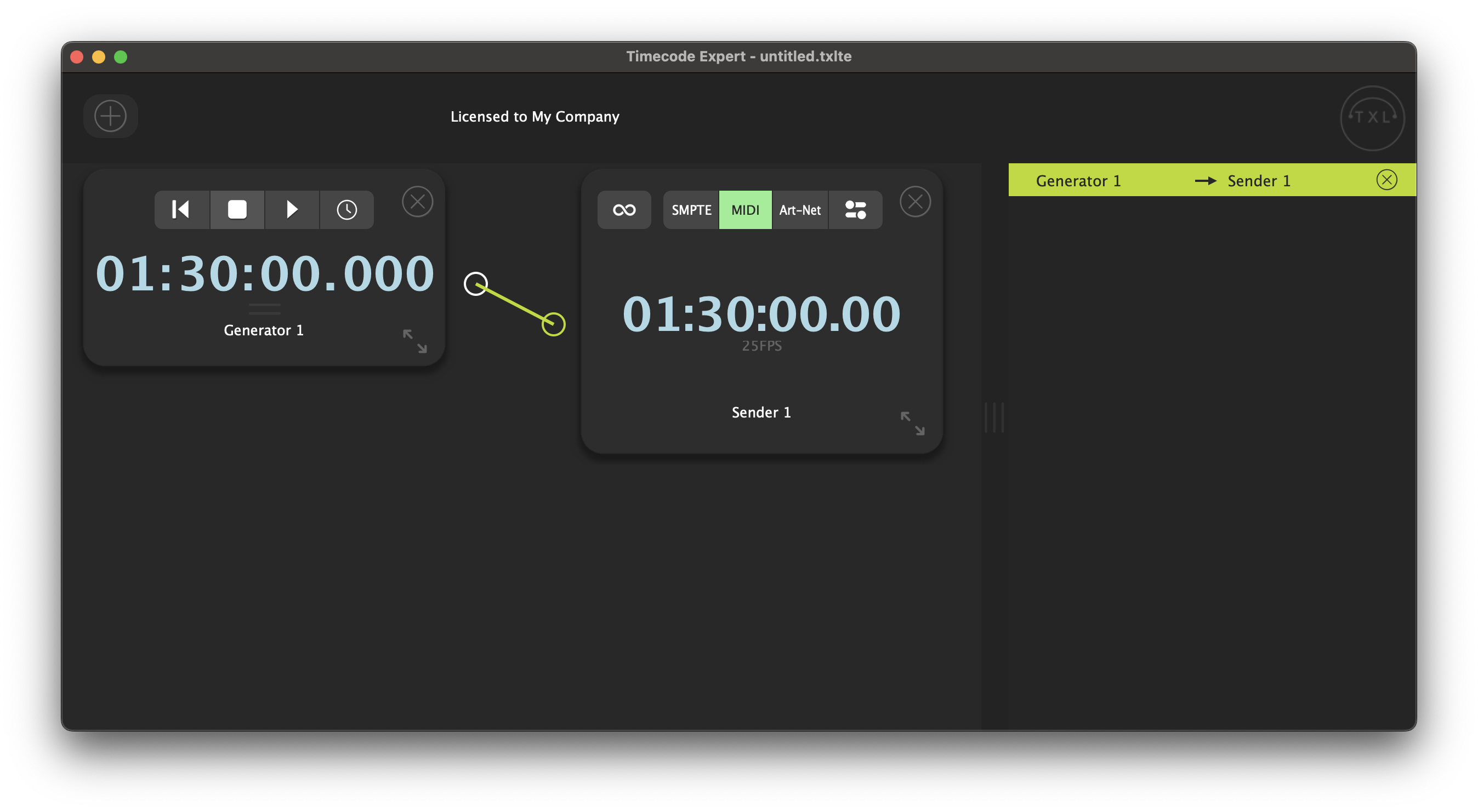
To go back to the time as configured before, click the stop button.
Generator components can also be controlled by OSC commands. Find out how to set that up here.