Send MIDI Timecode (MTC)
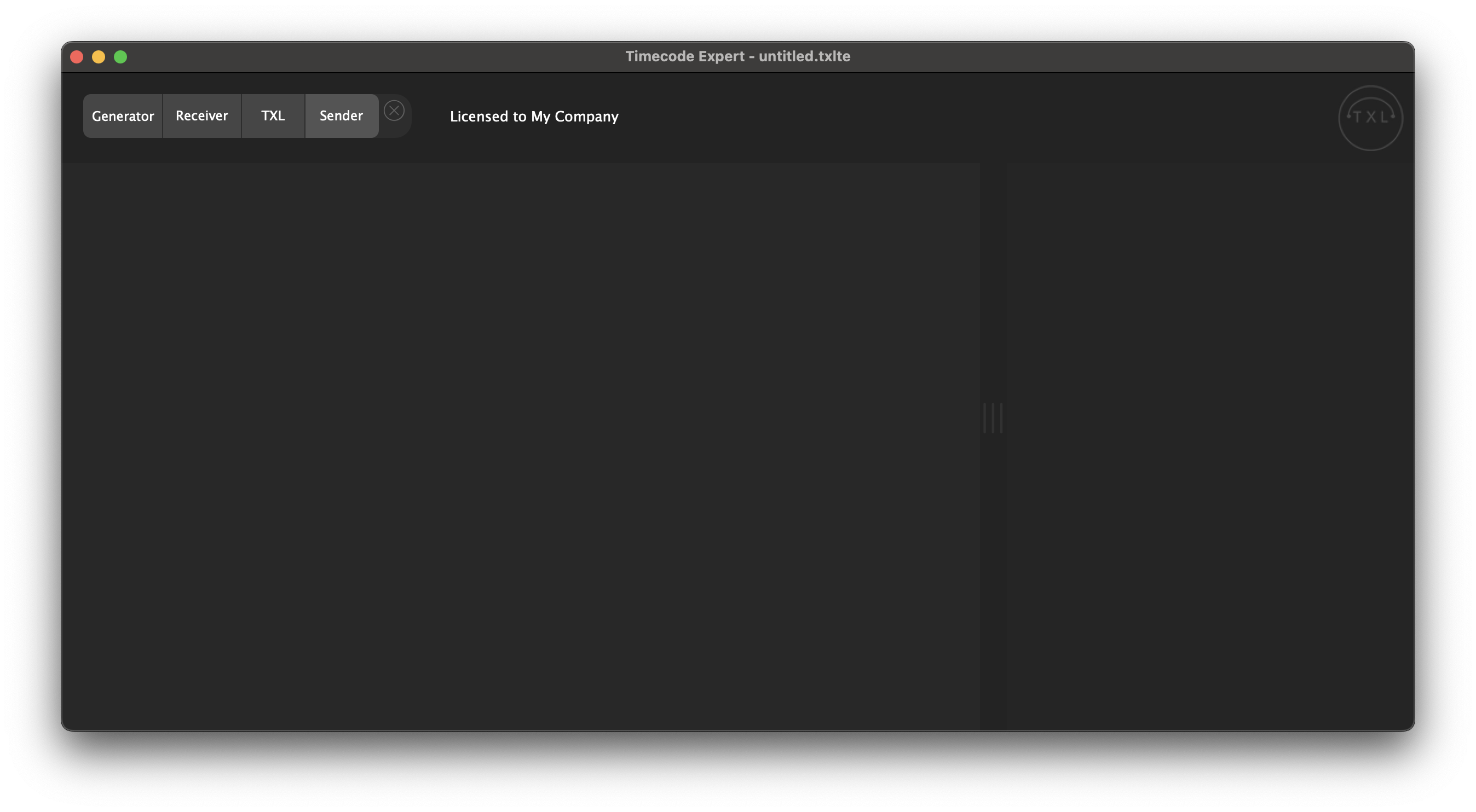
We start with an empty project. To start Sending MIDI Timecode (MTC), you click on the add component '+' button on the top left of the start screen.

In the bar that pops up, you click 'Sender'.
A Sender is added to your project. You select 'MIDI' as the output mode by clicking the [MIDI] button, which will then turn green.

To configure the MIDI output, you click the settings button. Here you can set the following settings:
- The frame rate. You can choose between the following frame rates:
- 24 FPS
- 25 FPS
- 30 FPS
- 29.97 FPS DF
- The MIDI output: The MIDI output you want to use
Make sure to have an audio device selected at [Options] -> [Preferences] -> [Audio] -> 'Output' or 'Input'. This is necessary to send MIDI.
- The offset: Here you can set the offset to be applied to the Sender. You can set an offset by hours, minutes, seconds, and the decimal, as selected as the clock display mode.
- The clock display mode
- HH:MM:SS:FF: Hours:Minutes:Seconds:Frames
- HH:MM:SS:MM: Hours:Minutes:Seconds:1/100th seconds
- HH:MM:SS:MMM: Hours:Minutes:Seconds:Milliseconds
- HH:MM:SS: Hours:Minutes:Seconds

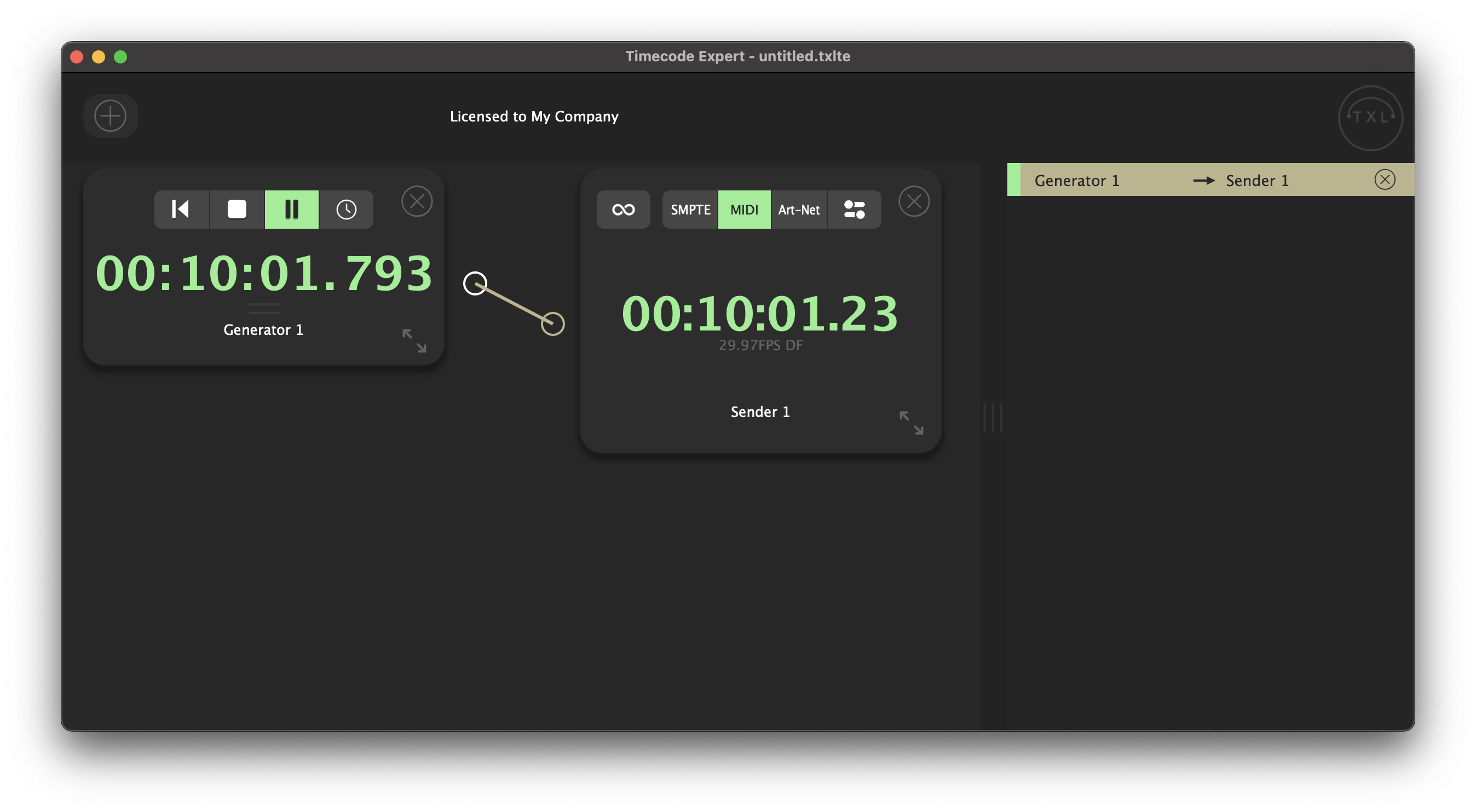
When you have a left-side component running, for example a Generator, and you draw a routing from the Generator to your MIDI Timecode Sender, MTC will be outputted to the selected MIDI output.